Table & Order Management
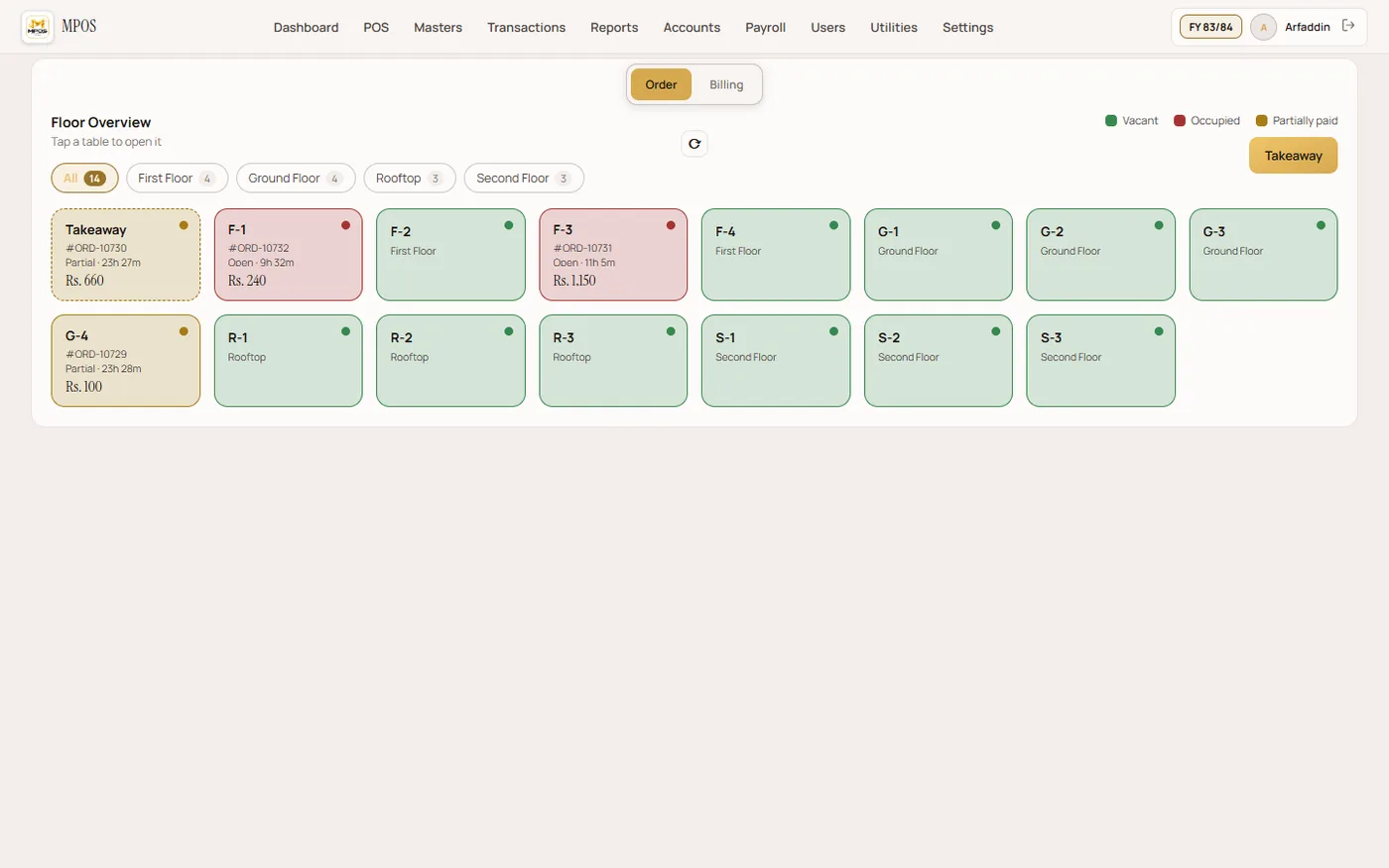
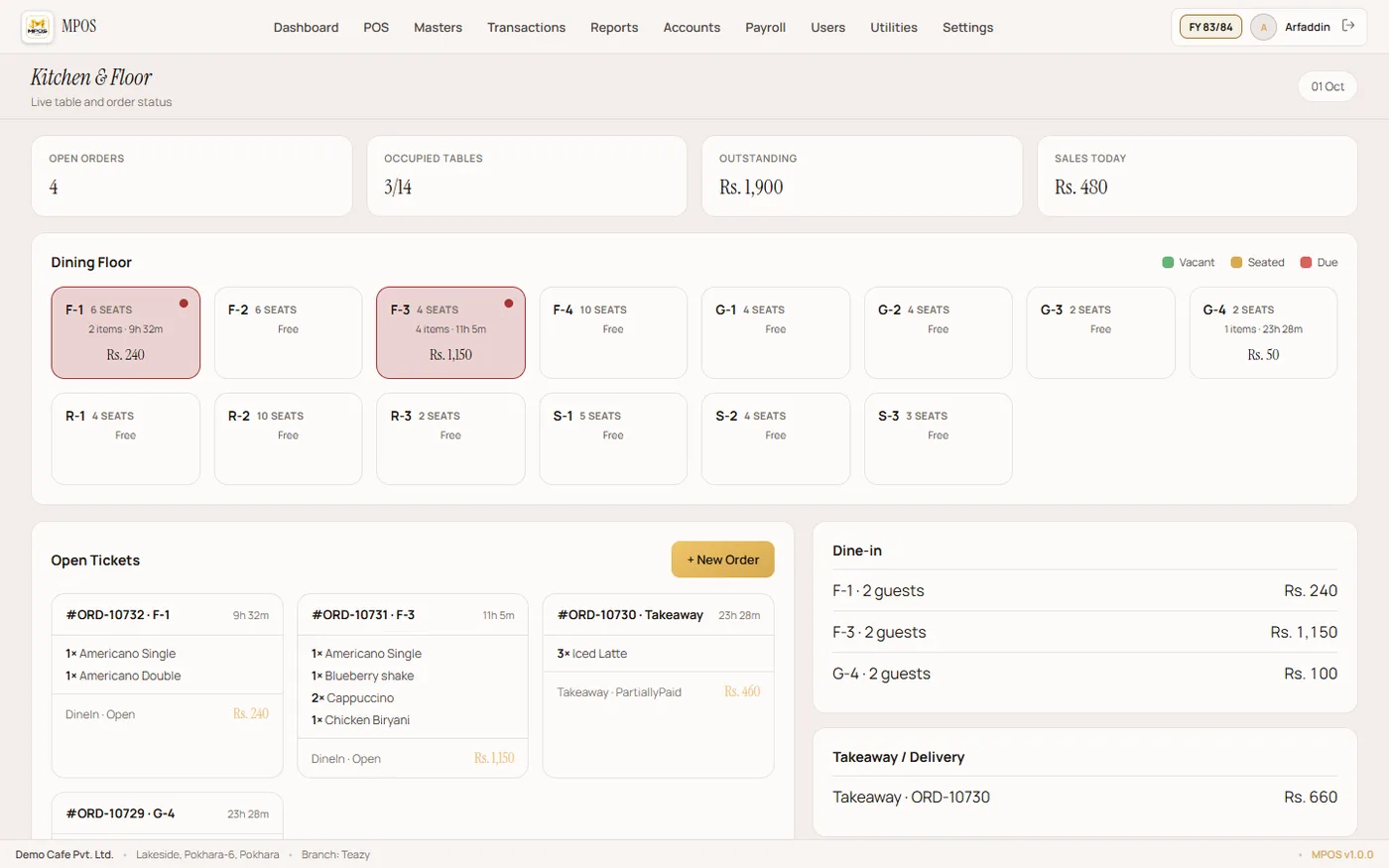
Manage tables, open orders, transfers, merges and split bills from one live screen.
MPOS Restaurant Management Software
A complete restaurant management platform built around the real flow of a busy restaurant — from table ordering and KOT to billing, inventory, purchasing, reports and staff management.
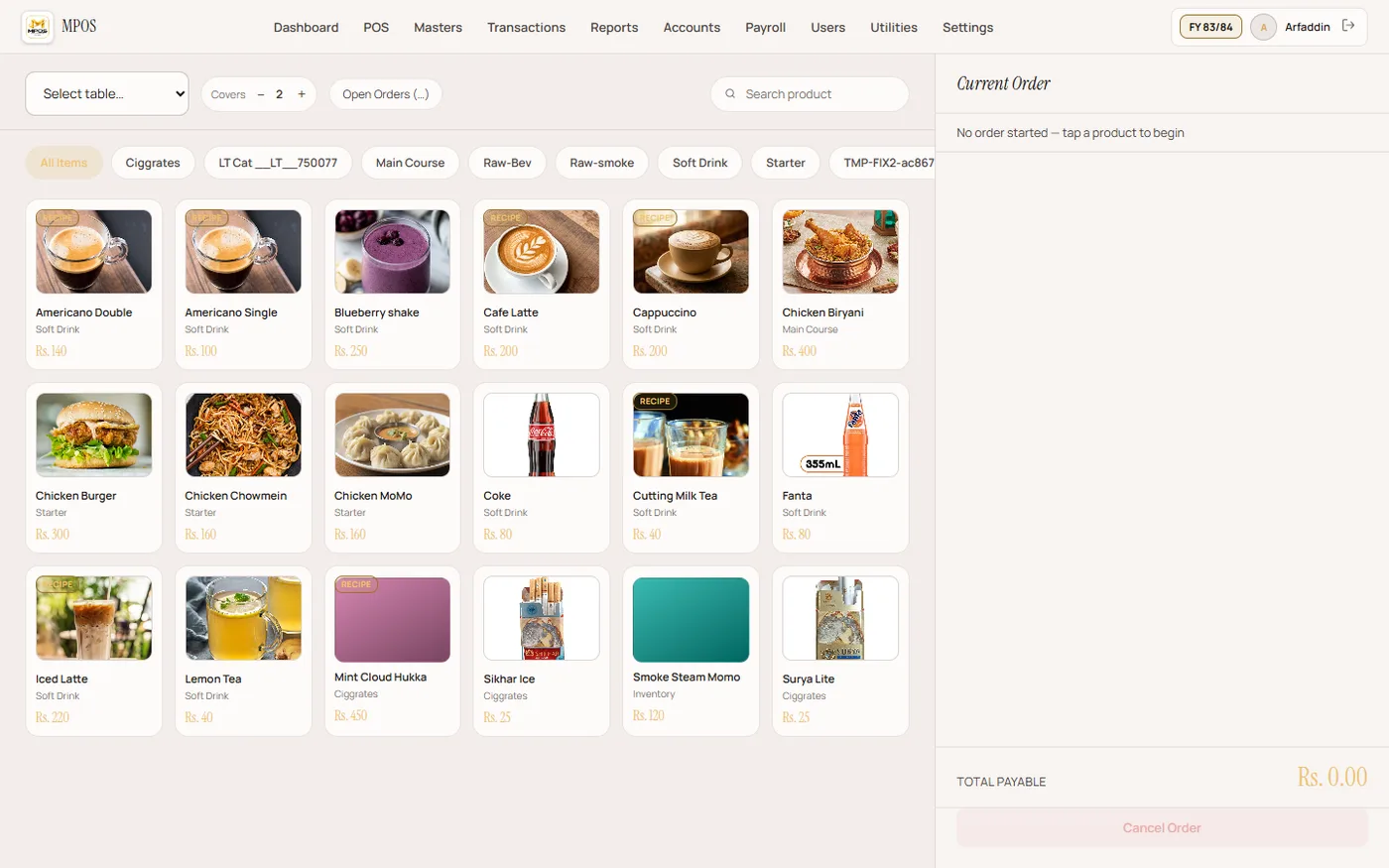
Manage tables, open orders, transfers, merges and split bills from one live screen.
Send orders from waiter phones to the server and route KOTs to the right kitchen or bar printer.
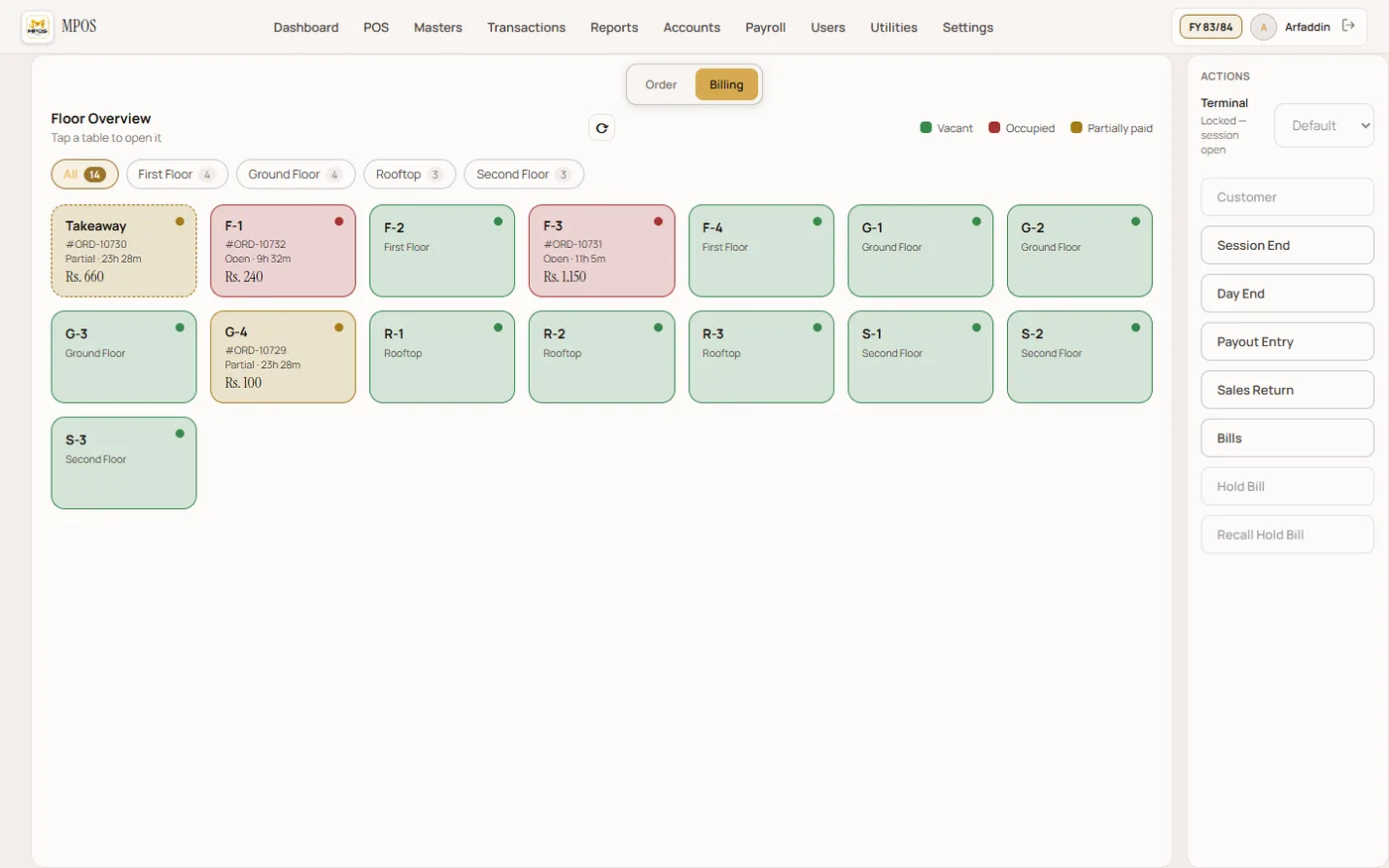
Handle counter billing, held bills, payments, discounts, returns and end-of-session cash control.
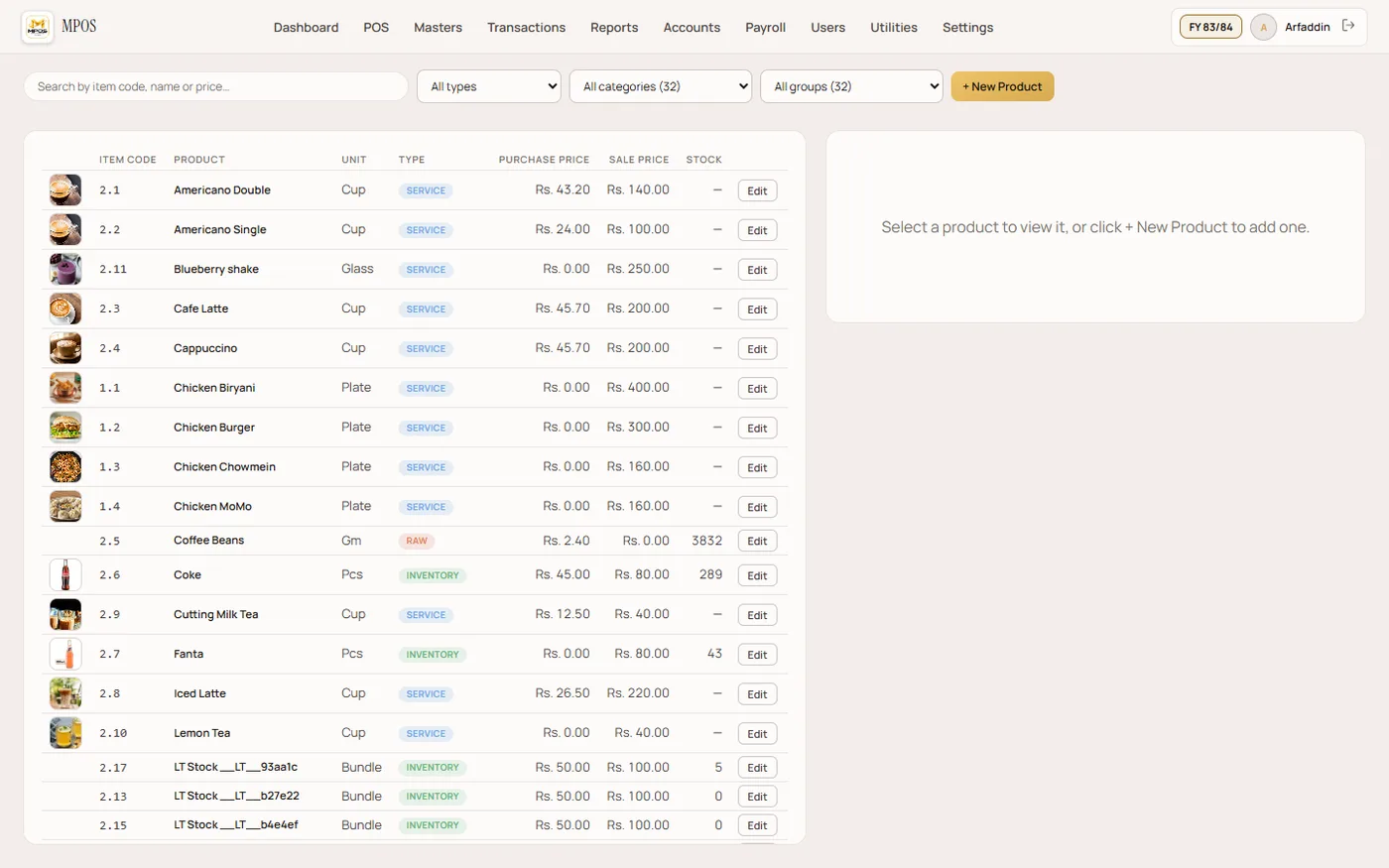
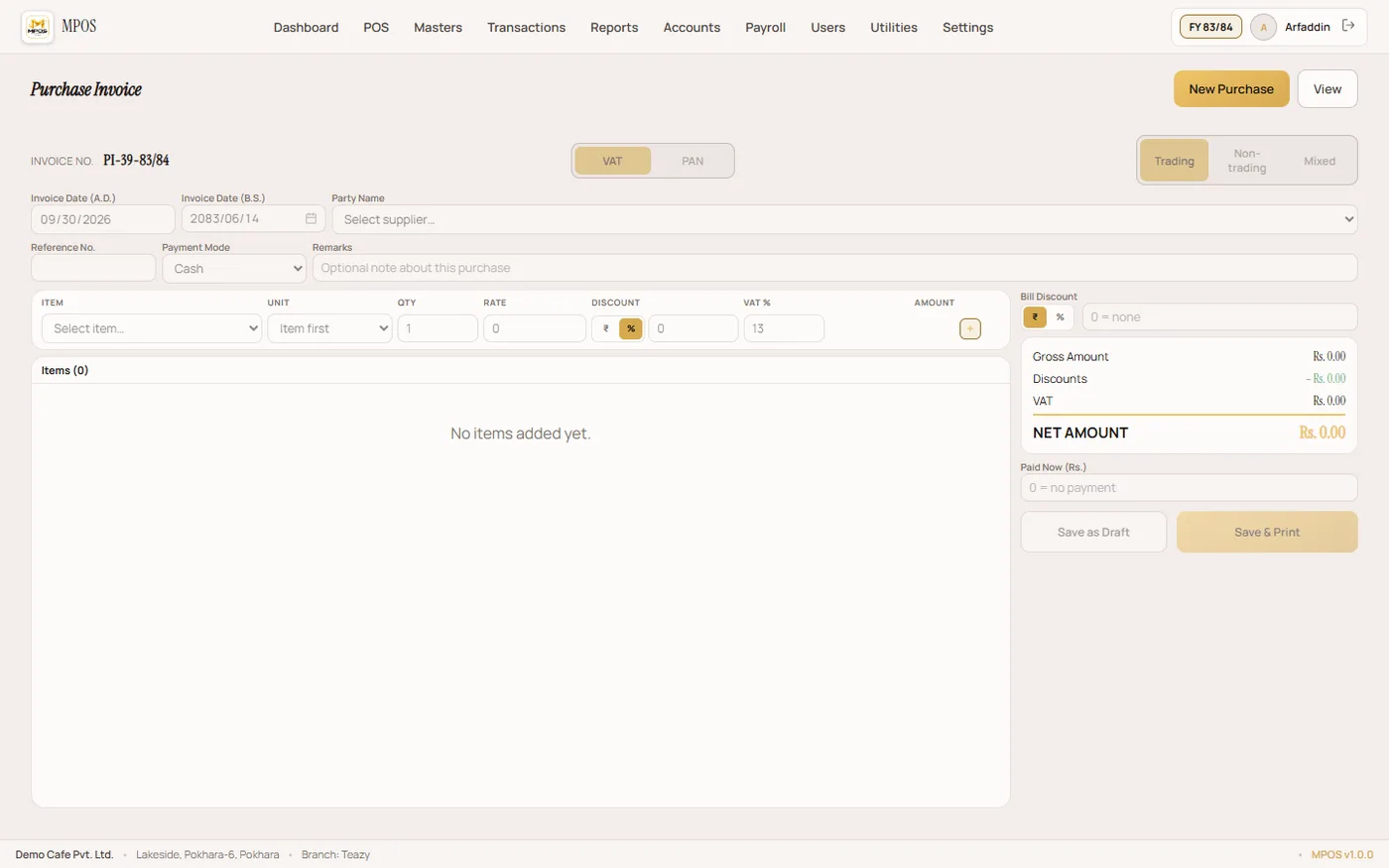
Track recipes, stock, purchases, wastage, suppliers and item movement without leaving the POS.
Keep visit history, customer balances, loyalty information and useful customer records.
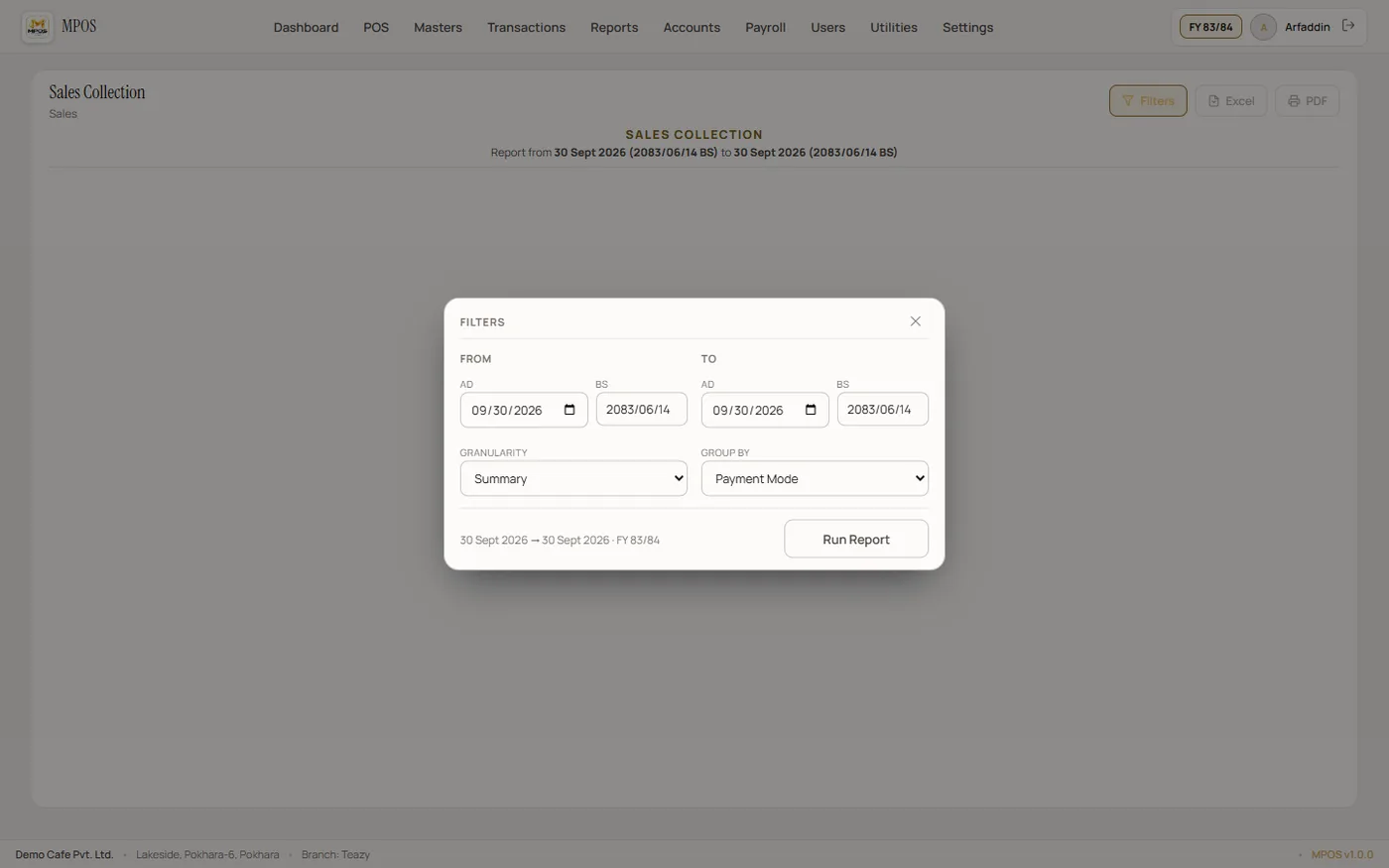
Daily, monthly and product-level sales reports plus cash/bank and party reconciliation.
MPOS connects each step so your staff spend less time moving between screens and more time serving customers.
The waiter opens a table on a phone or the cashier starts a counter order.
Items are added with modifiers, notes and quantities.
The server saves the order and the print service sends KOTs to the correct printer.
Additional items can be added while the same table remains open.
Cashier opens the live order, applies discounts/tax and records payment.
The bill closes and the transaction is included in session and business reports.
AR Technohub supplies the hardware as well as the software — PCs and POS terminals, thermal printers, thermal paper rolls and POS peripherals — specified and installed together.
Tell us about your business and we'll show you the workflow.